Is MacMotion a fitness app?
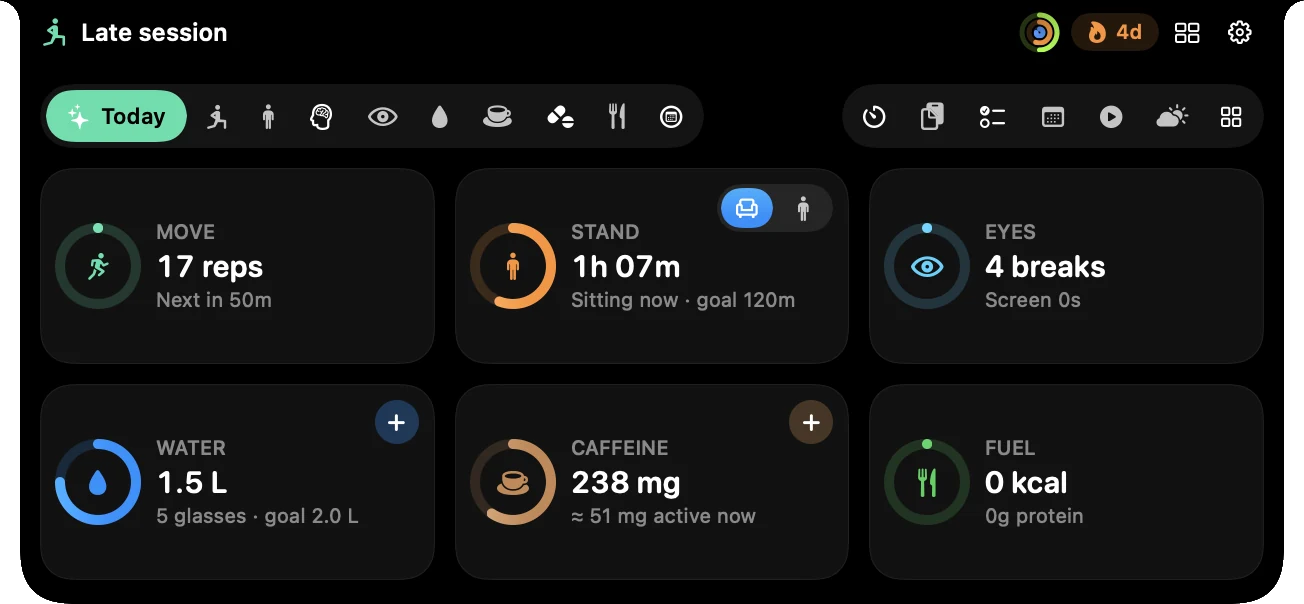
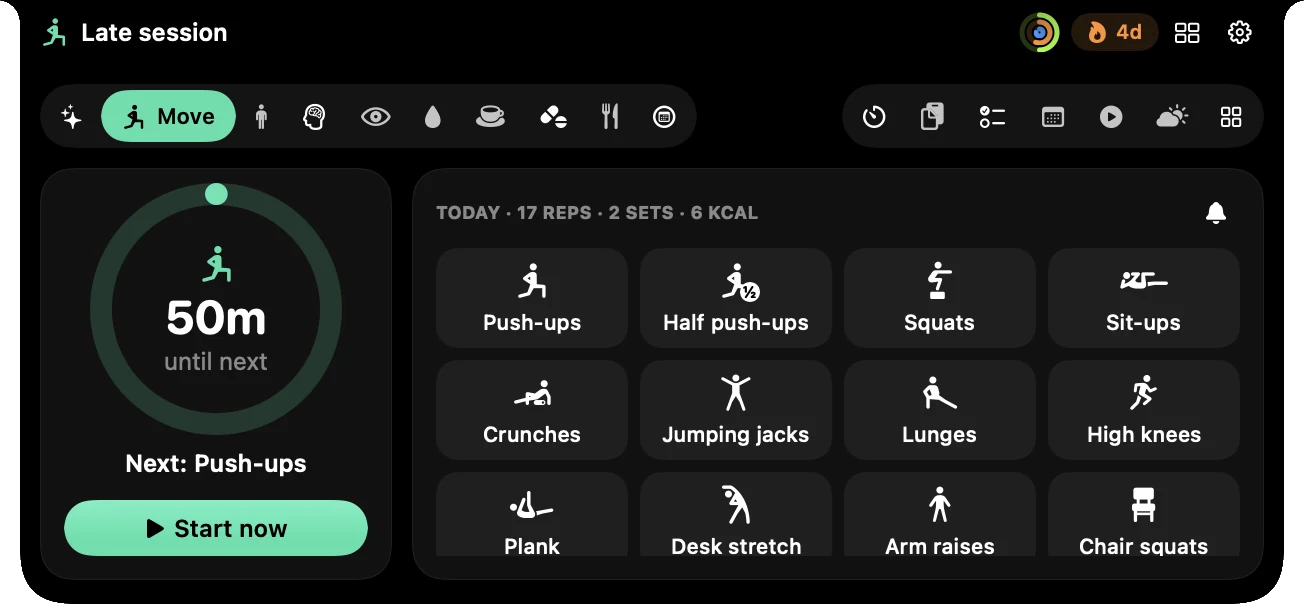
Yes, one built for the desk. MacMotion gives you guided workout sessions that your Mac’s camera follows:
it counts your reps, times your holds and tells you how to fix your form, across 22 exercises you can do
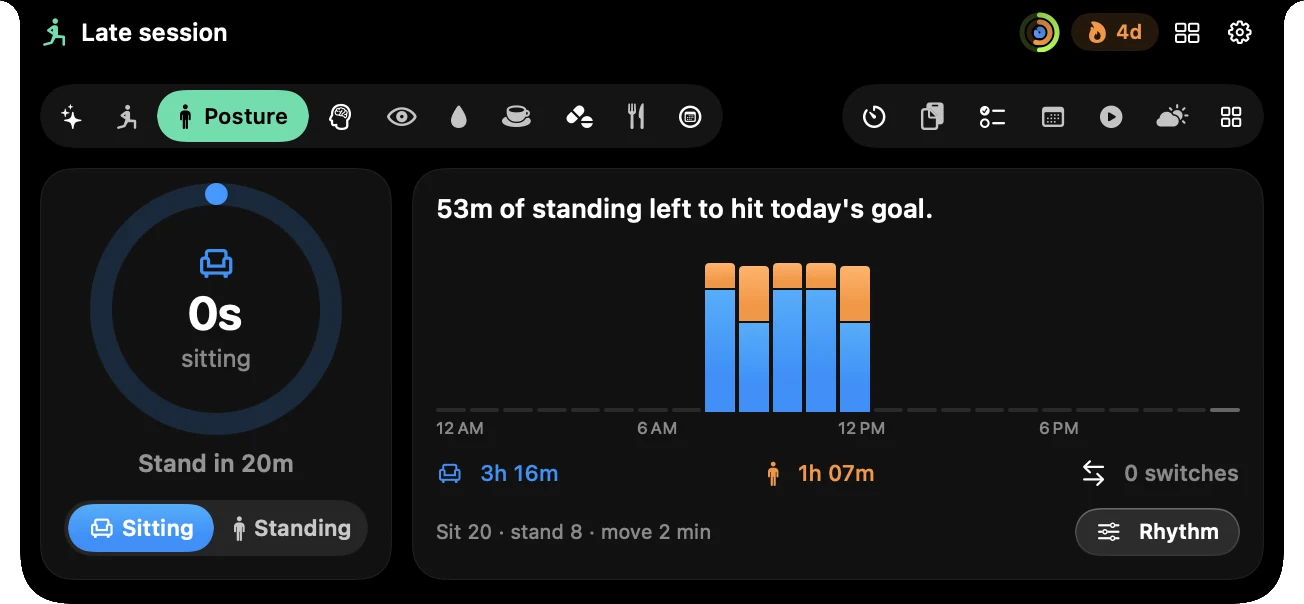
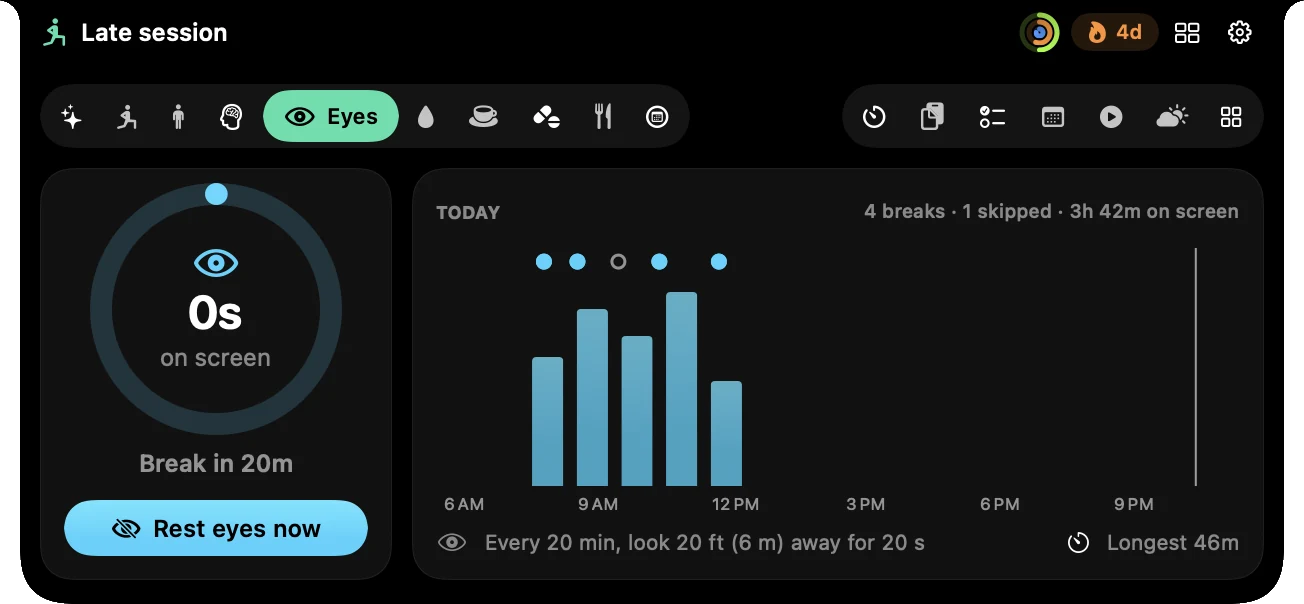
at your desk, standing or on the floor. Around your workouts it keeps the rest of your day healthy too,
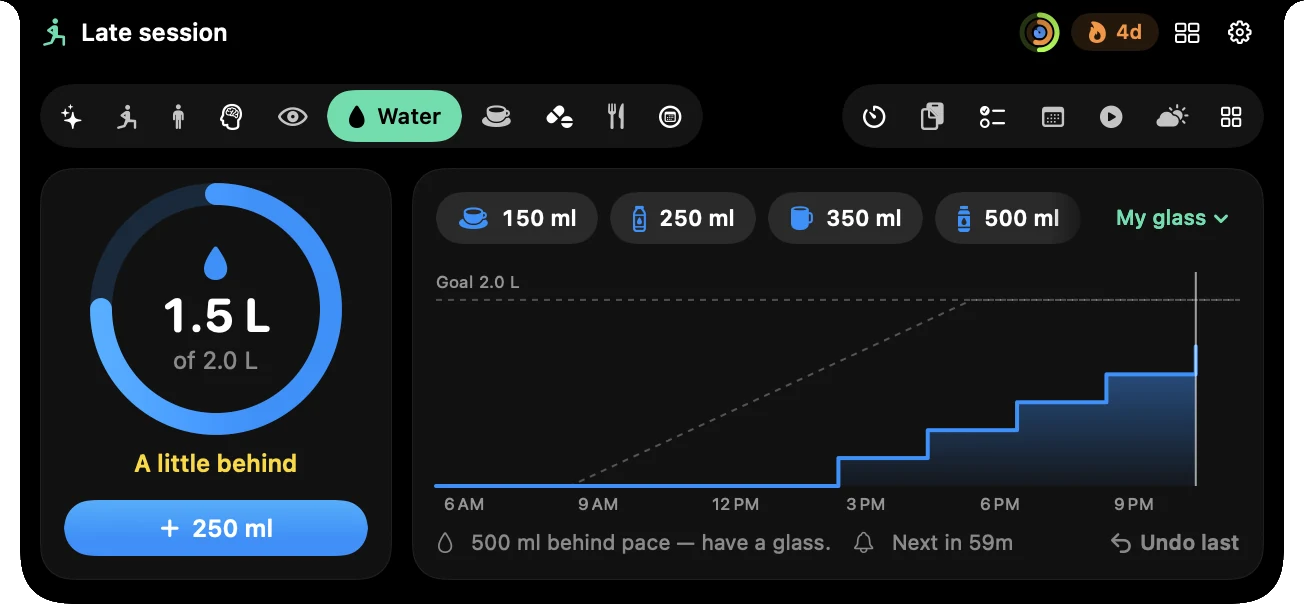
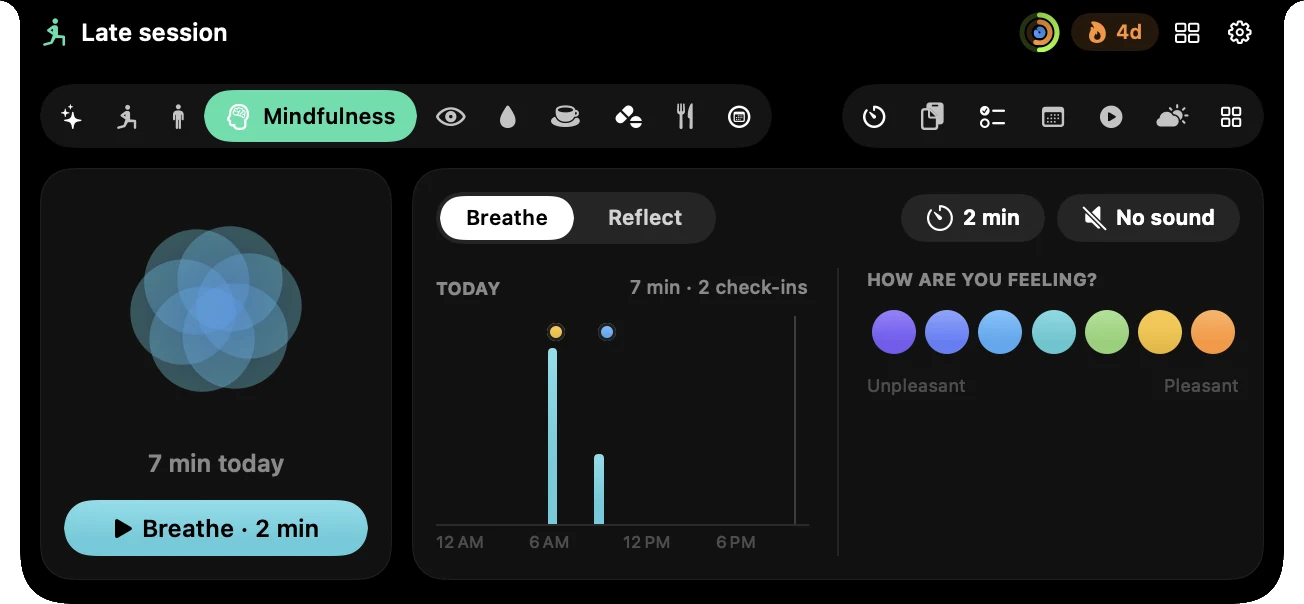
with stand breaks, eye rest, water and mindfulness.
It’s made for Mac users who work from home, sit for long hours, keep skipping the gym or study late.
Can I try it before I pay?
Yes. Pro is free for 7 days. You add a card when you start, and it’s only charged on day 7. Cancel before
then and you pay nothing. Without Pro, the free features keep working: water, eye care, sit/stand,
medicines and mindfulness, plus To-Dos, Notes, Pomodoro, Clipboard, Mirror and Loom Record. You can also
download the free version without a card. Pro adds camera
workouts, meal logging, every other tool (MacMot AI, DevMonitor, Calendar, Weather and more) and sync.
Do I need gym equipment?
No. Every exercise works with your body weight. Some use a chair or a wall.
Does MacMotion use my camera?
Only when you start a camera-guided workout, to count your reps and guide each exercise. Everything happens
on your Mac: frames are processed in real time and never recorded, saved or uploaded to the cloud. The Privacy Policy lists
everything MacMotion stores and sends.
Can I use my iPhone as the camera?
Yes. On Macs that support Continuity Camera, you can use your iPhone when you need a wider view, for
example for floor exercises. Your Mac's built-in camera is the default.
Which Macs does it work on? What if mine has no notch?
Yes. On Macs without a notch, and on external displays, MacMotion appears as a small island at the top of
the screen. It runs on Apple silicon and Intel Macs with macOS 14 Sonoma or later.
Does it run in the background?
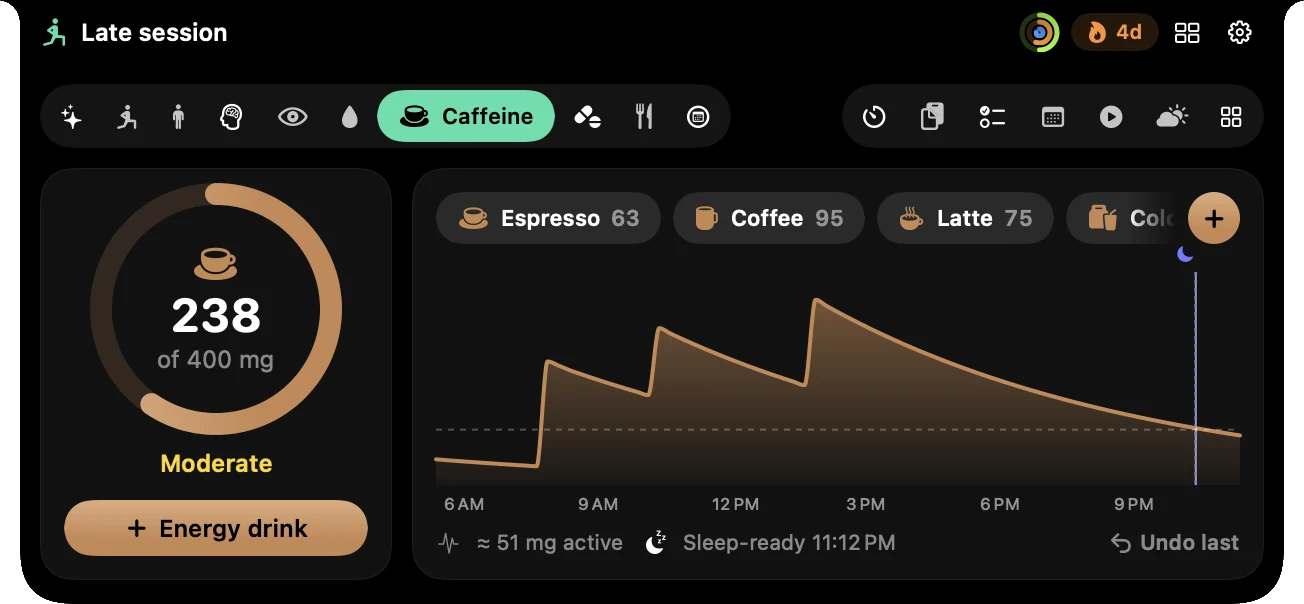
Yes. MacMotion lives in your notch and menu bar while you work and nudges you when it's time to move,
stand, rest your eyes or drink water. Open it whenever you want the full picture.
Does MacMotion replace my Apple Watch or other health devices?
No. MacMotion focuses on building healthier habits during your workday at the computer. Use it alongside
whatever you already wear.
What plans are there?
Yearly is $24.99 (just $2.08 a month), monthly is $4.99, and lifetime is $59.99, paid once. Yearly and
monthly renew automatically, and you can cancel anytime.
How does billing work? Am I billed monthly?
No monthly billing. You choose a monthly-equivalent price between $1 and
$10, and pay it once a year: first on day 7 of your trial, then on the same date
each year until you cancel.
How do I cancel?
In one click: in MacMotion, open Upgrade › Manage subscription, or go to
macmotion.app/manage. Cancel during the trial and you’re
never charged. Cancel later and Pro stays on until the end of the year you paid for.
Do I get a licence key?
Yes. Start your trial here and Dodo Payments, our payment partner, emails you a licence key. Paste it in
MacMotion › Upgrade › Have a licence key? It works on up to 3 Macs while you’re subscribed. Started the
trial inside the app instead? Then there’s nothing to paste: Pro is already on.
What if MacMotion isn’t for me?
Every purchase comes with a 30-day money-back guarantee. Email us within 30 days and we’ll refund you in
full. No questions asked. See the Refund Policy.
Is MacMotion available for Windows?
No. MacMotion is built only for the Mac.
 MacMotion